
World Cup 26 on Fantasy UTD - start building your squad!
48 teams. 1, 248 players to pick from. The biggest World Cup ever!

The biggest World Cup in history is here and Fantasy UTD has built the perfect fantasy game for it!
We spent months developing a new format that takes the feedback from the launch of our MLS game at the start of 2026 and turns it into something that will keep you engaged throughout the tournament.
You may notice some changes. Many of these are visual (like the new Manage page and streamlined bidding process), but we also have some new features that require some explanation.
Create a league, invite your friends and start building your World Cup squad. GW1 starts on Thursday June 11th!
If you need some guidance on how to do this, see below!
How to use your Agent
Our biggest new feature for the World Cup is something called Agent.
You can use your Agent to make up to 15 blind bids. The value of these bids are hidden to other users. You can only use your Agent to make bids before the transfer deadline.
Public bids can still be made on all players before (and after) the transfer deadline.
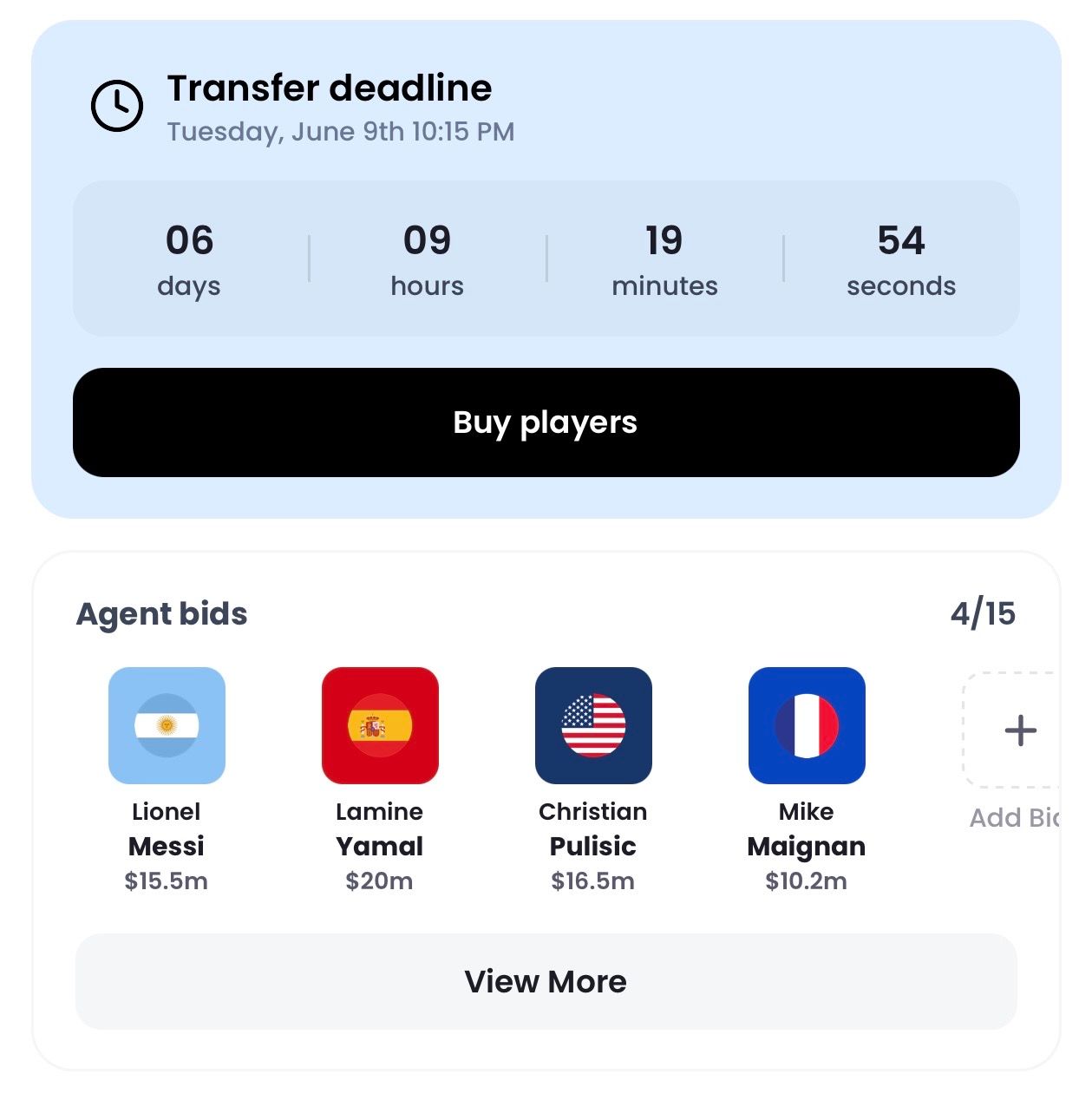
Once the transfer deadline passes, the user with the highest bid (Agent bids and public bids are ranked together) will have the first priority to sign the player.
You must have the necessary budget available to complete all transfers otherwise the user with the next-highest bid will have the opportunity to sign the player.
When there is more than one equal bid for the same player, the bid placed first wins.
This will add them to your transfer tracker. You will also be notified if any bids by other users are made for them.
Transfer watchlist
You might not wish to place a bid on a player (maybe you don't have the budget available at that specific moment?), but still want to keep an eye on them for any future moves.
You can now add players to your transfer watchlist by clicking the star icon in the top right of the player profile page.
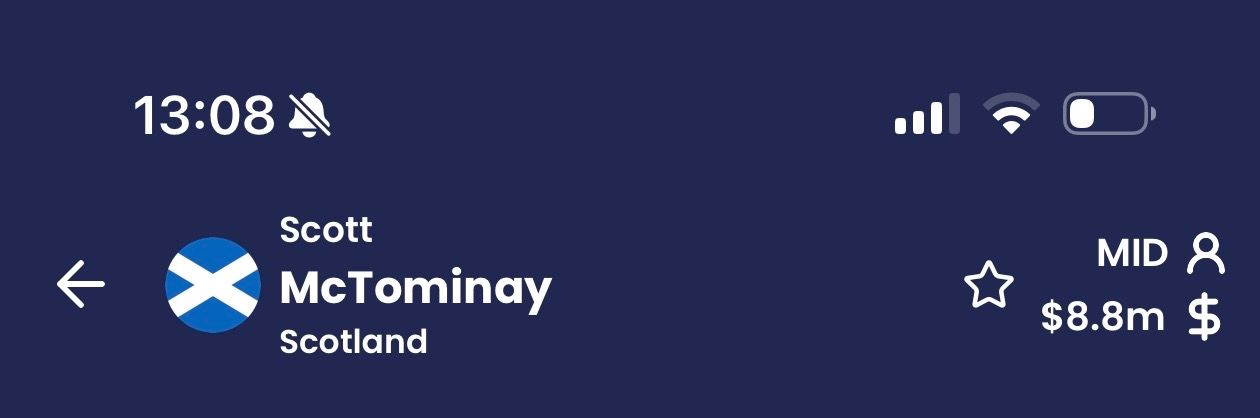
This will add the player to your transfer tracker. You will also be notified if another user makes a bid for the player.
You can remove a player from your transfer watchlist by clicking the star icon in the player profile page again.
Negotiate by DM
After the transfer deadline passes, you can negotiate with other users to buy players they own.
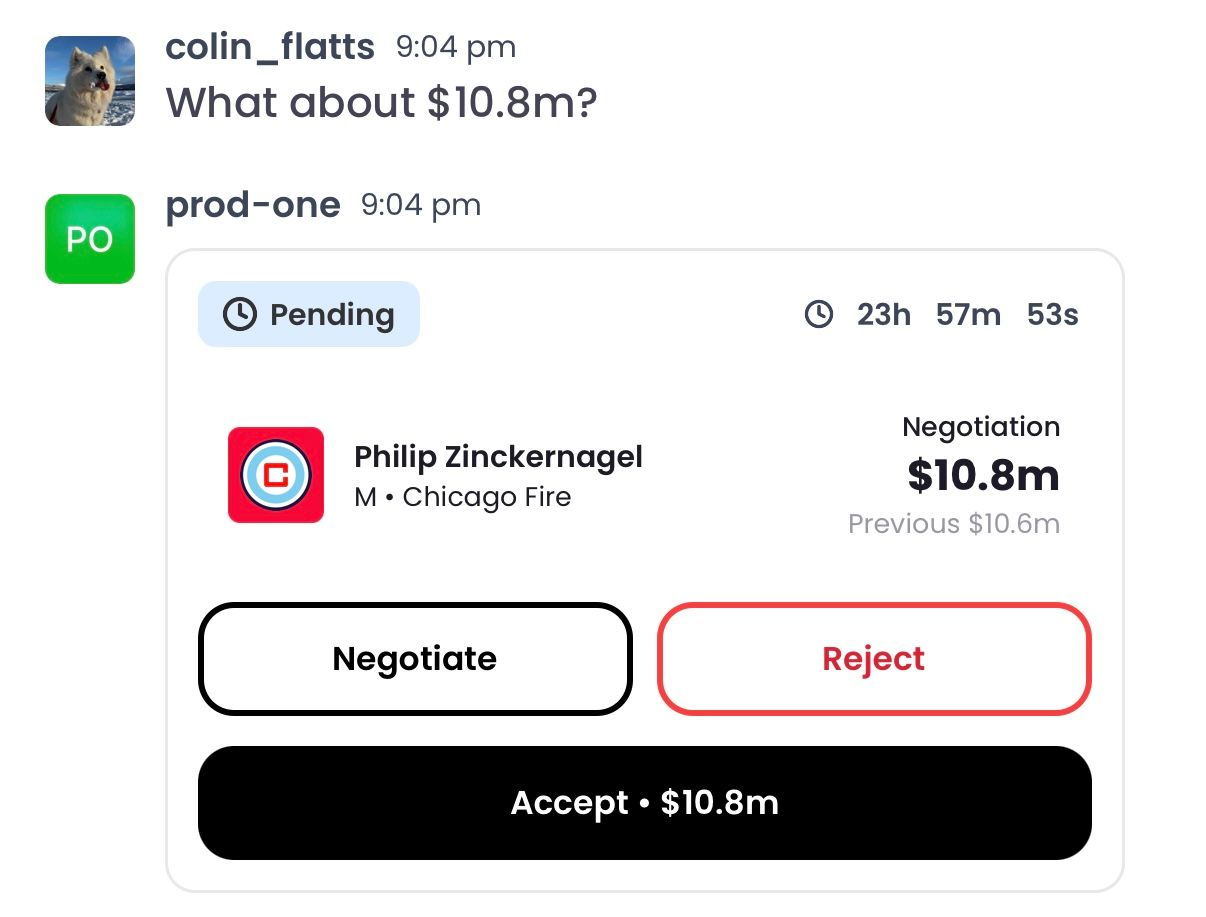
You can now negotiate a fee with another user by sliding into their DMs. No need to clutter the group chat with back-and-forth messages that other users in your league don't care about!
Access DMs to negotiate a transfer fee through the bar at the bottom of the player profile page.
More transfer budget
You will have more money to spend on players as the World Cup progresses into the latter rounds.
Depending on your position in the league table, you will receive a certain amount of transfer budget to spend on players as your league moves into the playoffs (at the quarter-final stage of the World Cup IRL).
For example, the user top of the league table at that point will receive the lowest amount of transfer budget while the user bottom of the league table will receive the most.
Overall rank
We have now added an area of the app where you can view your overall rank by league/competition.
This can be accessed through the home page - see the World Cup and MLS buttons at the top of the page.
A deeper fantasy soccer game, born in the US and built for the world.
Fantasy Utd LLC
hello@futd.app